
Map
Settings — Map
The Map settings section manages offline map storage and configures default sample settings. Navigate to Settings → Map to open it.
It is divided into two tabs: Map management and Samples.
Map Management
Offline map tiles can be downloaded from the Survey page for use in areas without internet access. This tab shows how much storage those tiles are using and allows you to delete them.
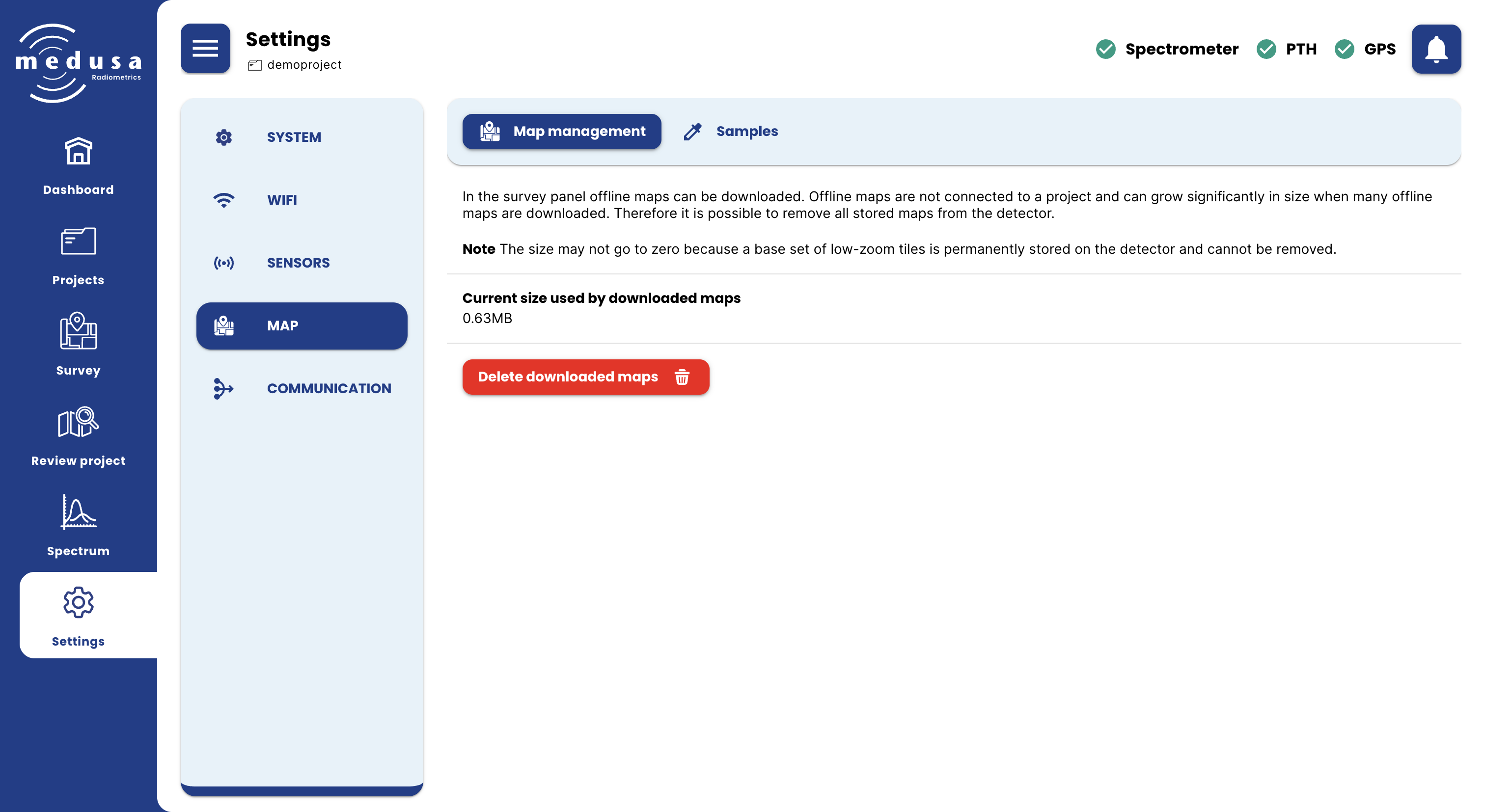
Current size used by downloaded maps — Shows the total storage used by downloaded offline map tiles.
Delete downloaded maps — Removes all downloaded offline map tiles from the detector.
Note: The size may not reach zero after deleting, because a base set of low-zoom tiles is permanently stored on the detector and cannot be removed.
For instructions on downloading map tiles for offline use, see Conducting a Survey — Downloading an Offline Map.
Samples
The Samples tab configures the default settings used when taking samples and calculating sample locations.
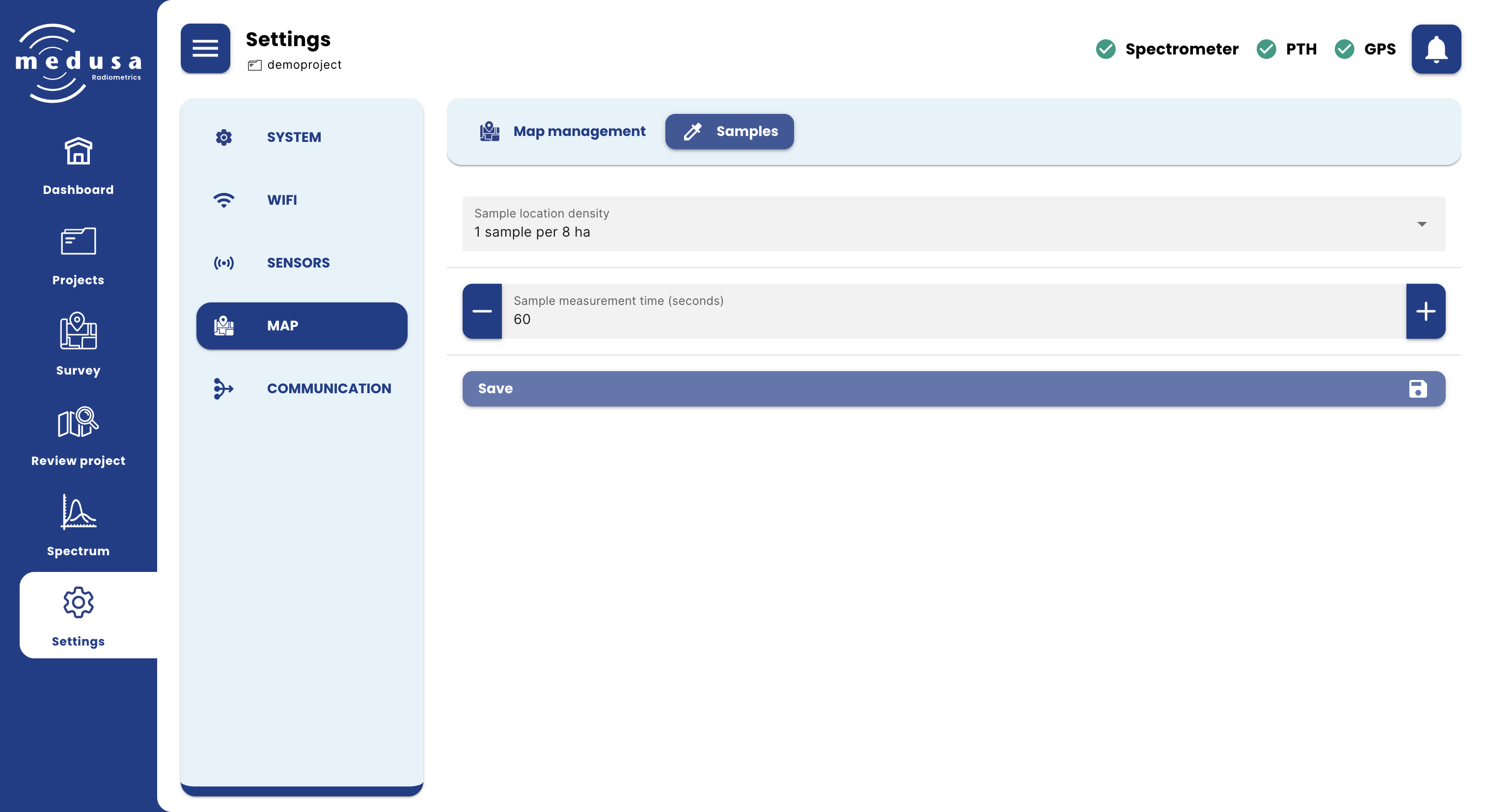
Setting | Description |
|---|---|
Sample location density | The sampling density used by the Find locations algorithm when Use sample advice is enabled. Options range from 1 sample per 1.2 ha to 1 sample per 10 ha. |
Sample measurement time (seconds) | The default duration of a sample measurement in seconds. Default is 60 seconds. |
Click Save to apply changes.