Medusa Detector Operating System (mDOS)
Introduction
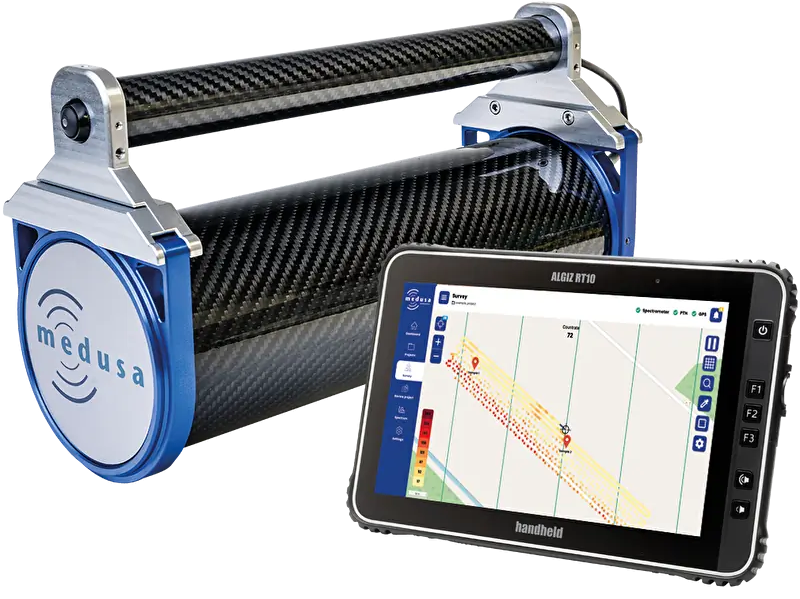
The Medusa Detector Operating System (mDOS) is the software that runs on Medusa gamma-ray spectrometers. It handles all measurement tasks automatically — collecting spectra, logging GPS positions, processing radionuclide concentrations — and makes the data accessible through a web interface you open in any browser. There is no software to install.
This manual describes how to connect to mDOS, conduct a survey, review and download your data, and configure the system to your needs.
Supported Detectors
This manual applies to all Medusa gamma-ray spectrometers running mDOS V4.x.
Detector | Description |
|---|---|
MS-100 UAV | Anthropogenic mapping |
MS-350 | Ultralight drone and handheld detector |
MS-700 | Walking detector |
MS-1000 | Drone-borne detector |
MS-2000 | Agri detector |
MS-4000 | Airborne detector |
MS-20k | Airborne crystal pack |
MS-100 gSMS | Stationary soil moisture sensor (see gSMS) |
All Medusa systems produced from April 2021 onward have the electronics to run mDOS.
mDOS version | Build |
|---|---|
V4.0 | 500 |
What You Need
To use mDOS you need:
A powered Medusa detector
A device with a modern web browser (computer, tablet, or phone)
A network connection between your device and the detector — either via the detector's built-in WiFi access point or via Ethernet
No additional software, drivers, or accounts are required. All configuration and data access happens through the browser interface.
How to Use This Manual
This manual is structured around workflows. Each chapter guides you through a task from start to finish.
If you want to… | Go to… |
|---|---|
Get connected for the first time | |
Understand what you see on screen | |
Get up and running as quickly as possible | |
Conduct a full field survey | |
Review and download your data | |
Configure the detector | |
Integrate with external software | |
Solve a problem |