

Appearance
Settings — Survey
The Survey settings section manages offline map storage and configures default sample settings. Navigate to Settings → Survey to open it. It is divided into two tabs: Map and Samples.
Map
Offline map tiles can be downloaded from the Survey page for use in areas without internet access. This tab shows how much storage those tiles are using and allows you to delete them.
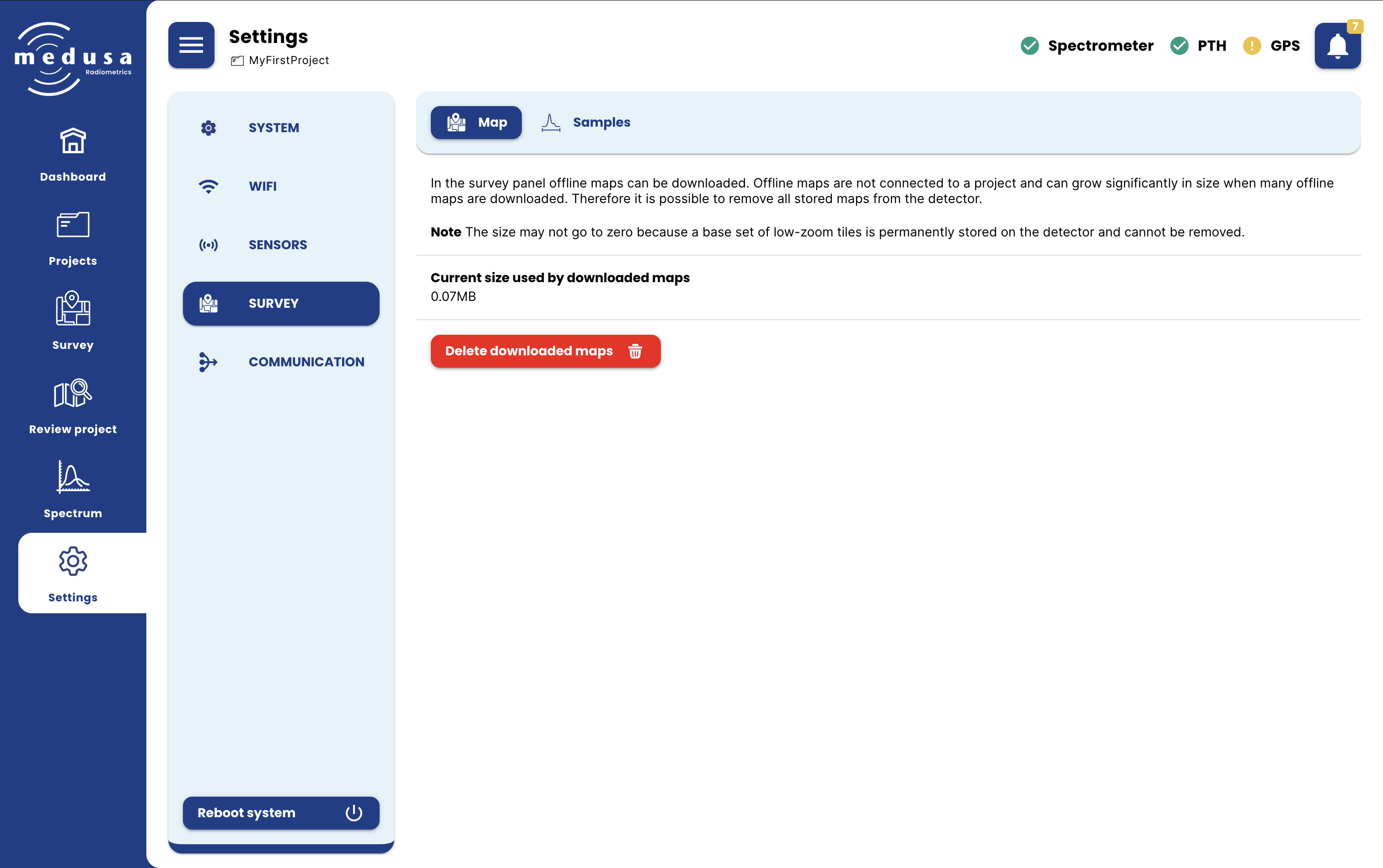
Current size used by downloaded maps — Shows the total storage used by downloaded offline map tiles.
Delete downloaded maps — Removes all downloaded offline map tiles from the detector.
Note: The size may not reach zero after deleting, because a base set of low-zoom tiles is permanently stored on the detector and cannot be removed.
For instructions on downloading map tiles for offline use, see Conducting a Survey — Downloading an Offline Map.
Samples
The Samples tab configures the default settings used when taking samples and calculating sample locations.
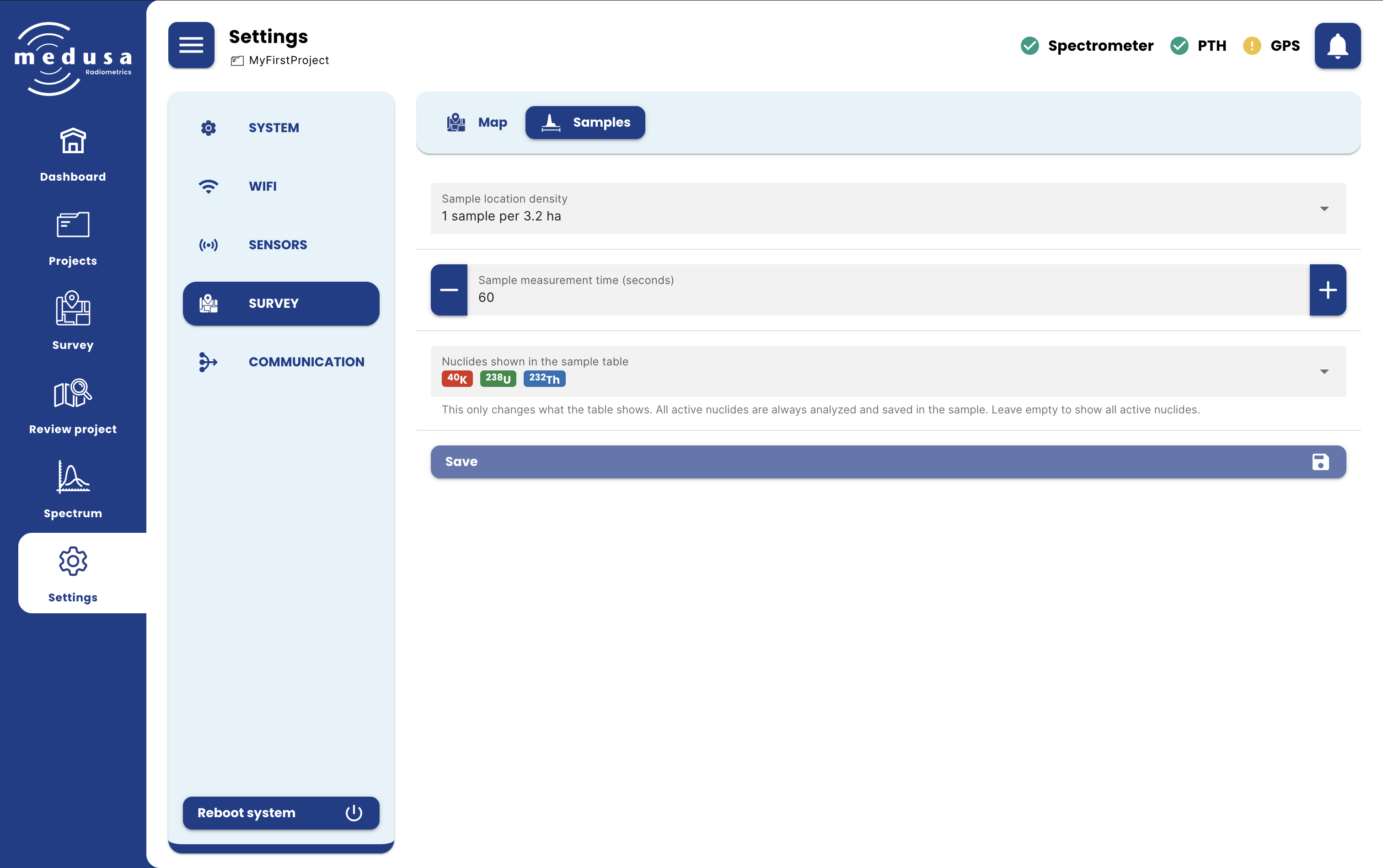
| Setting | Description |
|---|---|
| Sample location density | The sampling density used by the Find locations algorithm when Use sample advice is enabled. Options range from 1 sample per 1.2 ha to 1 sample per 10 ha. |
| Sample measurement time (seconds) | The default duration of a sample measurement in seconds. Default is 60 seconds. |
| Nuclides shown in the sample table | Choose which nuclides appear in the samples table. Leave this empty to show all nuclides. This only changes what the table shows. Every active nuclide (Set in Settings -> Sensors -> Spectral) is still analyzed and stored for each sample. |
Click Save to apply changes.